Search
Global search helps you move through Mimbbo without remembering every page or settings location.
Open global search
Use the search field in the portal shell or press Cmd+K on Mac and Ctrl+K on Windows or Linux.
The shortcut does not open search while you are typing in an editable field.
Search across Mimbbo
Global search can include:
- Navigation pages.
- Settings sections.
- Customers.
- Services.
When the query is short or empty, Mimbbo shows useful local destinations. When the query is long enough, Mimbbo can also search remote customer and service results.
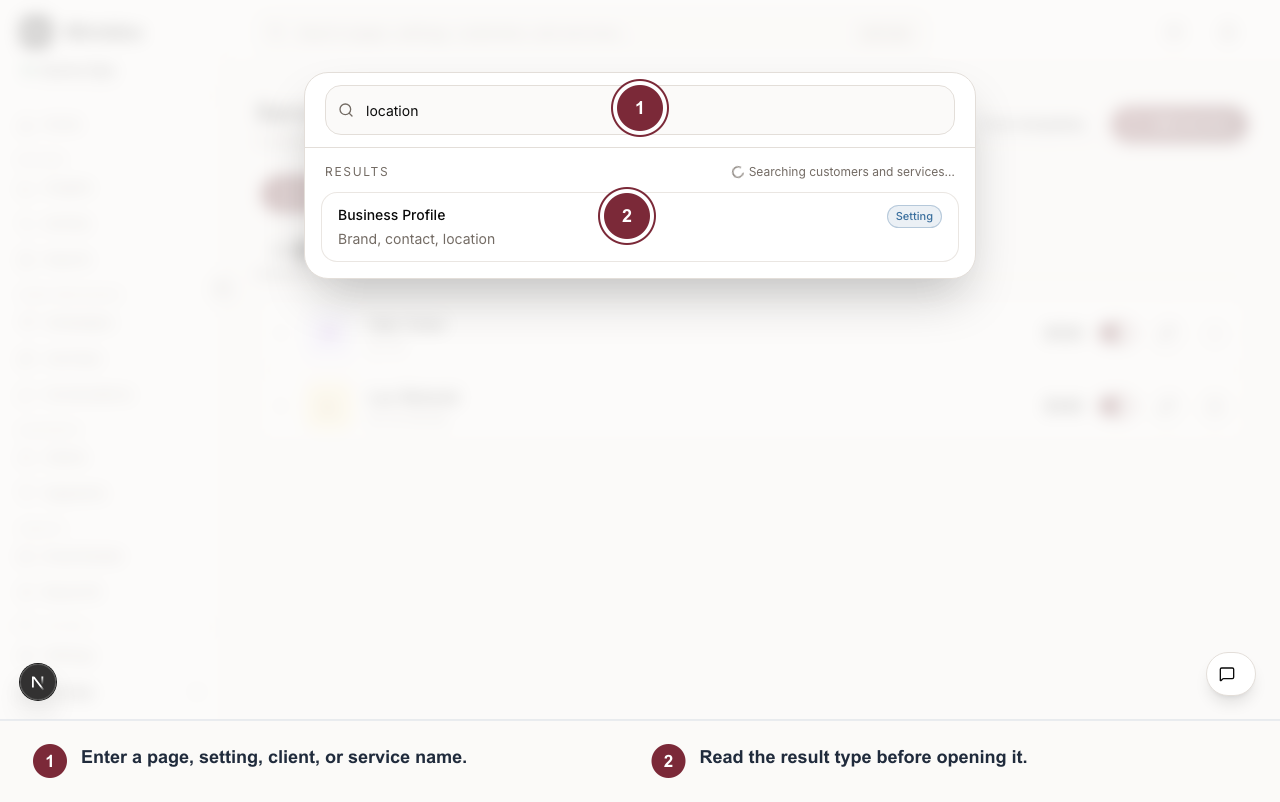
Global search combines navigation and live records, then labels each result so you know what will open.
- Enter a page, setting, client, or service name.
- Read the result type before opening it.
Open a result
- Open global search.
- Type a page, setting, customer, or service name.
- Choose the result you want.
Service results can deep-link into Services with the selected service focused. Settings results can open directly to the relevant settings section.
When results are incomplete
Search can show partial results if remote customer or service search is still loading or unavailable. Try a more specific query, use the page’s local filters, or open the destination page directly.