Intelligence
Intelligence settings control which tracks Mimbbo actively surfaces for the provider.
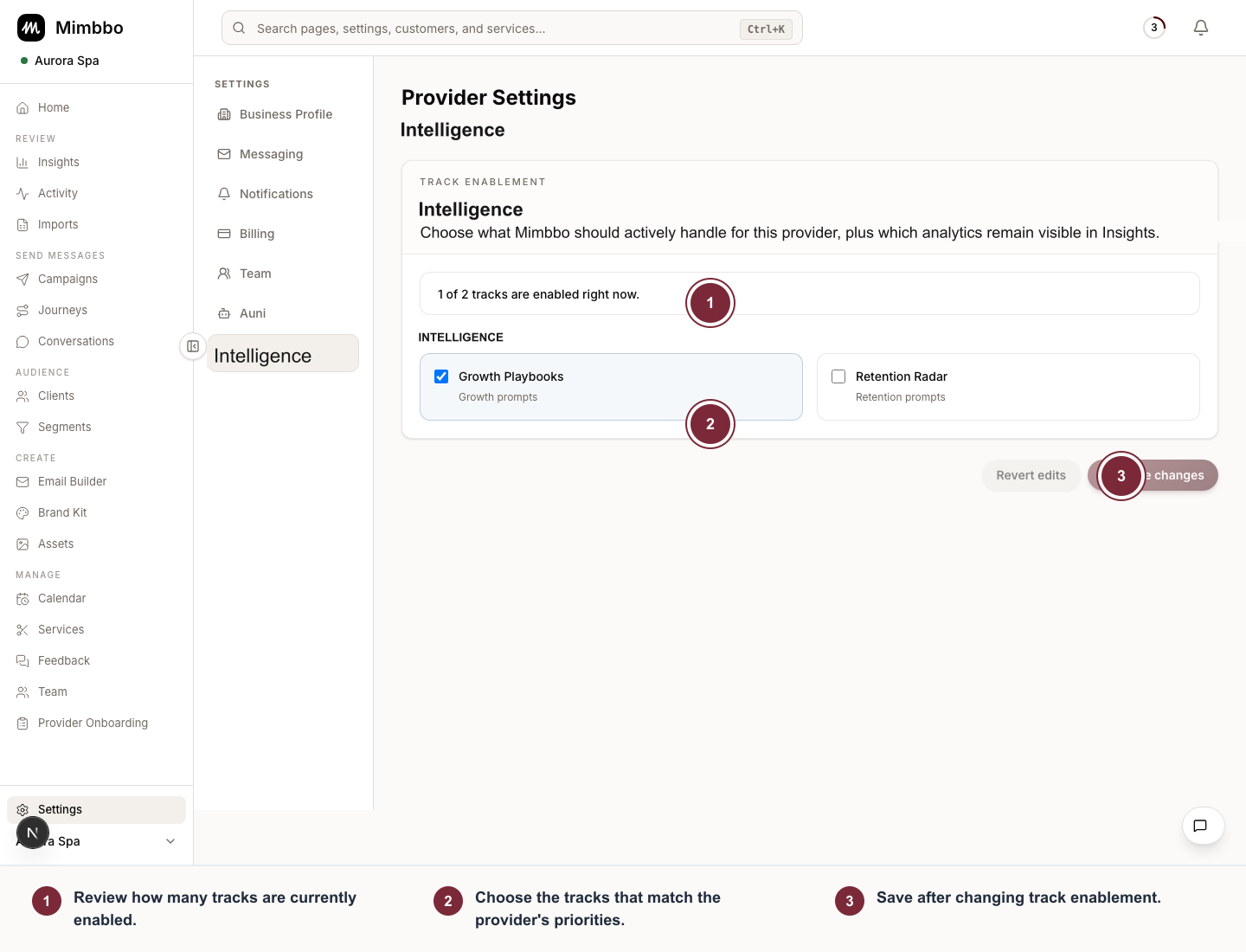
Enable only the intelligence tracks the provider wants Mimbbo to surface and handle.
- Review how many tracks are currently enabled.
- Choose the tracks that match the provider’s priorities.
- Save after changing track enablement.
Choose active intelligence tracks
- Open Settings.
- Choose Intelligence.
- Review the available tracks by category.
- Enable the tracks this provider should use.
- Save changes.
The catalog may group active customer work separately from analytics. Enable only the tracks that match how the provider wants to work.
What changes when a track is enabled
Enabled tracks can affect the insights, goals, and activity Mimbbo surfaces in Intelligence, Action Center, and Clients.
For tracks that contact clients, enabling the track also gives Mimbbo permission to begin eligible outreach. The post-import Enable journeys confirmation enables every available built-in journey.
Disabling a track does not delete historical client data. It changes what Mimbbo actively surfaces going forward.
When no tracks appear
If no intelligence catalog entries appear, the environment may not have a catalog available yet or the provider may not be eligible for those tracks. Try again later or contact support if the provider expects access.